
Design, prototype and publish on one canvas.
Frames, components, motion and working blocks in one file. When it is ready, it is a live site.
Coach and agent
A coach that reviews while you design. An agent that builds with you.
The coach in every file points at what would stop people using your work, says why, and fixes it when you ask. Describe an idea and the agent draws the screens on your canvas.
More about the coach and agentThe coach
Contrast, tap targets, alt text and names for screen readers, noticed as you work, each with the reason and a fix.
The agent
Describe a screen or add a screenshot. It draws, names the flow and adds working Blocks in your colours and type.
MCP
Claude Code and other AI tools read and edit your files, even with uxdeck closed.
uxdeck
Review the Oriel home before I publish it.
Reading(4 screens)
38 layers, 2 text styles, 6 colours.
Contrast(Hero title)
3.1:1 on the photo, needs 4.5:1.
Fixed: a darker overlay, now 7.2:1.
Tap targets(Footer links)
3 links under 24px.
Fixed: raised to 44px.
Alt text(Gallery)
6 pictures described from what they show.
Ready to publish
Nothing left to fix.
Draw a booking page for Oriel in this file’s colours and type.
Reading styles
6 colours, 2 typefaces, 4 text styles.
Frames(Booking)
A computer and a phone layout, in auto layout.
Blocks(Carousel, Accordion)
Studio photos and the questions, working.
Flow(Book a visit)
Linked to the confirmation screen.
Done
2 screens on your canvas.
Update the Oriel pricing cards from the brief, then check them.
list_frames(Oriel Studio 3)
9 frames on 2 pages.
read_frame(Pricing)
3 cards, 41 layers.
write_frame(Pricing)
Prices, titles and the Pro label updated.
audit_frame(Pricing)
Contrast and tap targets pass.
Done
Every open tab of the file shows the change.
Import
Bring your work in. Keep its layers, styles and components.
Open a whole Figma file, drop in SVG and pictures, or pick up a uxdeck file where you left it.
More about bringing your work inPaste from Figma Coming soon
Copy frames with the uxdeck plugin for Figma and paste them on the canvas, auto layout and all.
Import a Figma file
Drop a .fig on Home: its pages, components and styles come with it.
Open a uxd file
A .uxd carries its pictures, prototype flows and links.
 ⌘V
⌘VMotion
Motion you draw on the canvas. It plays the same on your site.
Pick one and watch it play. Every setting here is set in the Prototype tab and runs on your site without a library to install.
More about motion and effectsAppear
Hover
Effects
Loops
ArchConeCubeLimePillRingSphereStackArchConeCubeLimePillRingSphereStack
Plays as it comes into view.
ArchConeCubeLimePillRingSphereStackArchConeCubeLimePillRingSphereStack
Effects that answer the pointer
Glitch, pixel distortion, dither, letter roll, scramble and fill wipe. Drop one on a layer and it plays in Preview and on your site.
Prototypes that feel like the web
Link screens, then choose how they change: Match layers, Push, Curtain. Pages scroll, buttons answer, and variables and conditions make it behave like a site.
More about prototypesComponents that already work
Carousels, accordions, notices, a 3D ring, a showreel and a media grid, made of layers you can restyle.
More about working componentsTogether
Design together, out loud. In the same file, at the same time.
Share a file and see everyone’s cursor and selection as they work. Leave comments on the canvas, talk without leaving the file, and pick it up again on your phone.
More about designing togetherLive cursors
Edit together and see who is where, named and in colour.
Comments
Pin a thread to any spot, mention people, and get notified on your devices.
Voice
Start a call from the file and talk while you work.
Viewers are free
Viewers and commenters never take a seat. They can ask to edit.
On your phone
Reply to comments, play prototypes and start a file from an idea.
Publish
One click to a live site. Checked before it goes public.
More about publishingYour own domain
An address on uxdeck.site the first time, then yours when you connect it.
Readable for everyone
Contrast, names for screen readers and phone layouts are checked first.
The code, when you want it
Copy a frame as markup or download the whole site.
Also in the box
Variables
Colours, numbers and modes, used in design and prototypes.
Components and variants
Make once, use everywhere, change in one place.
Auto layout and breakpoints
One frame, laid out for a computer and a phone.
Your own fonts
Upload them once and every file and site uses them.
Version history
Save versions and go back to how it was. Free keeps 30 days.
Site analytics
Visitors, pages and where they came from, without cookies.
Search and sharing
Title, description, icons and a picture for links.
Present in a device
Play a prototype inside a real phone or laptop frame.
Made with uxdeck
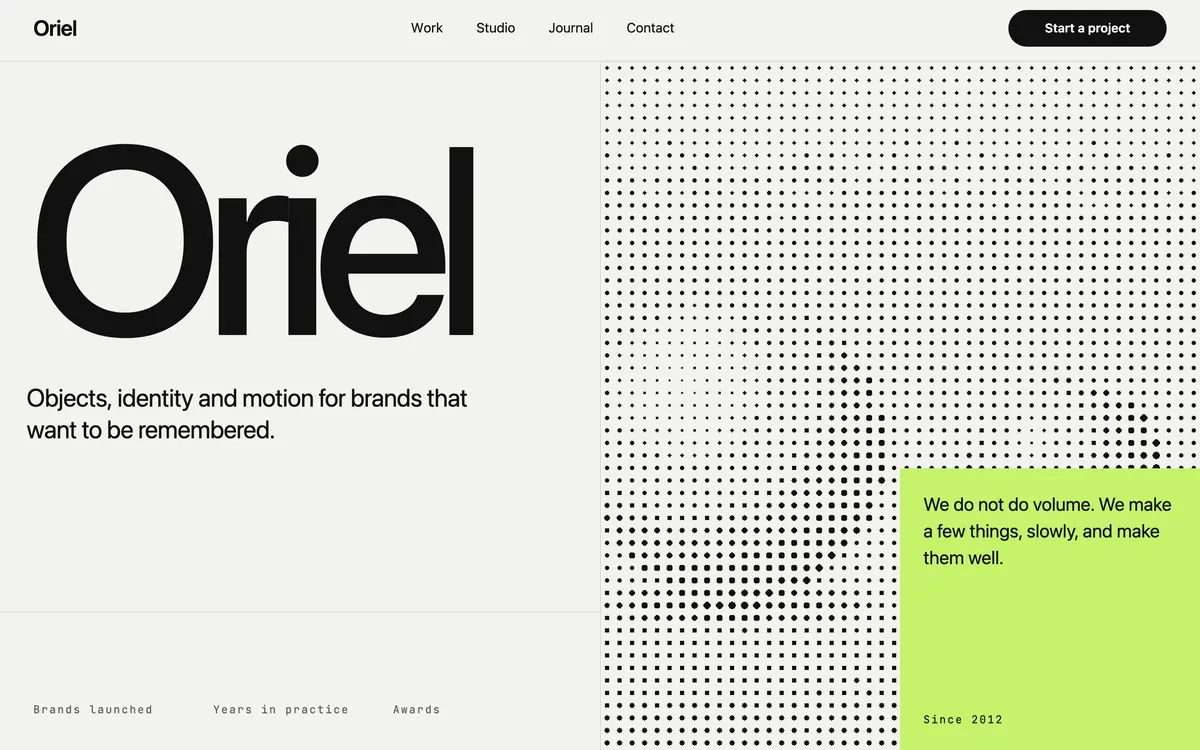
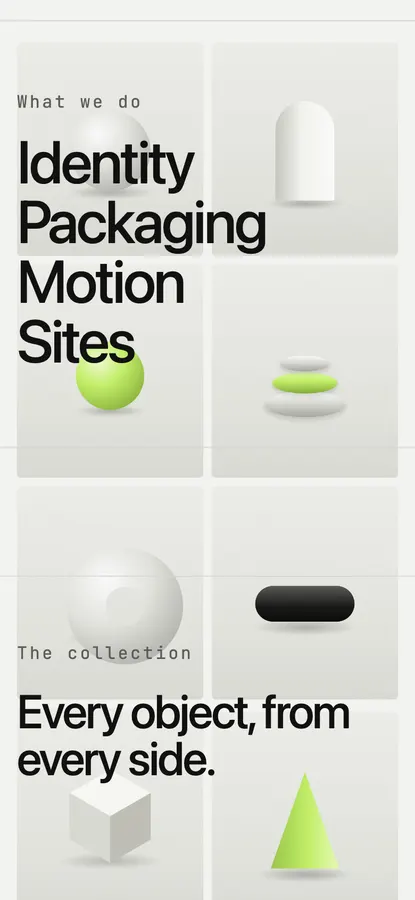
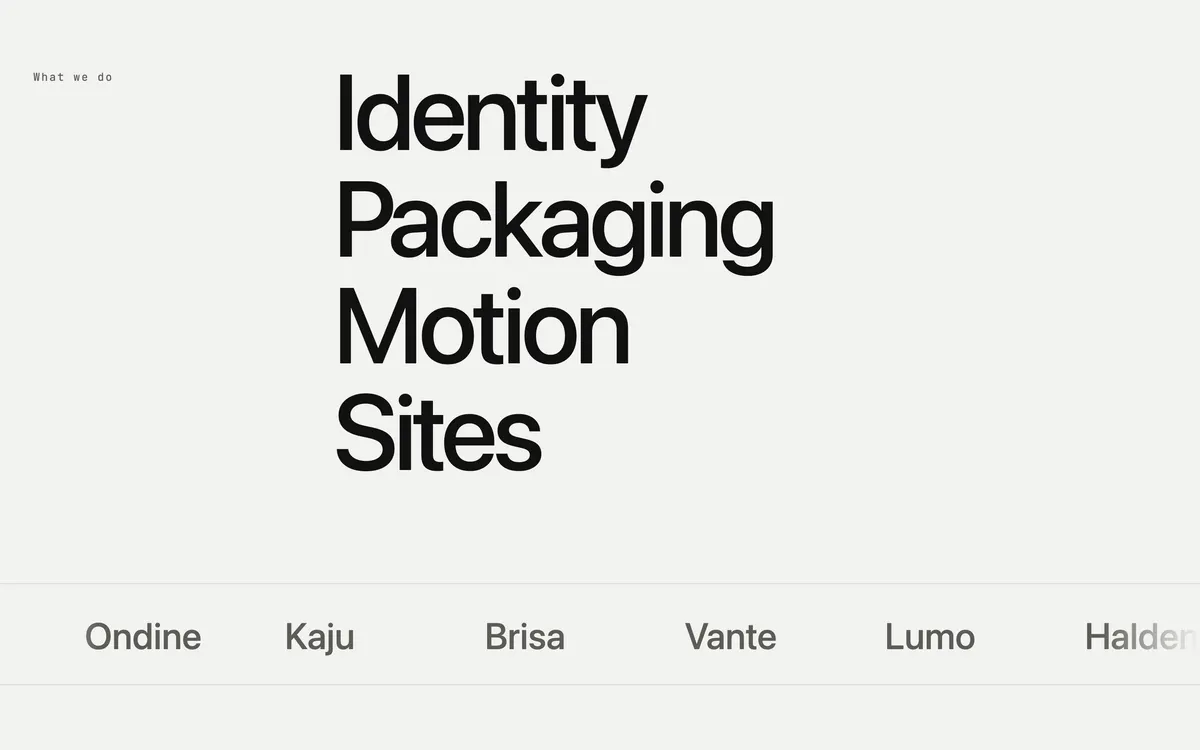
See a site made with it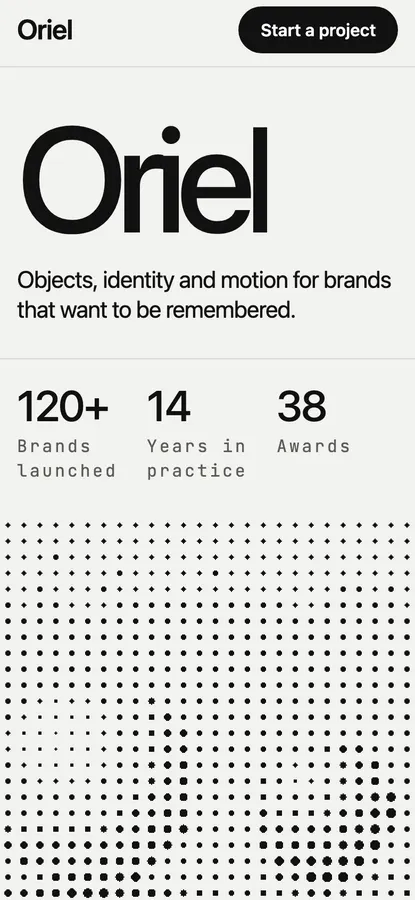


Pricing
Free to start. Pro takes the limits off.
See pricingFree
$0
- 3 files of your own
- Unlimited viewers and commenters
- One published site
Pro
$20 per editor, a month
- Unlimited files
- 10 sites, on your own domains
- HTML, Tailwind and React export
$16 a month, paid yearly. Payments open soon.
Open the canvas, make something, and put it online the same afternoon.
Start free